
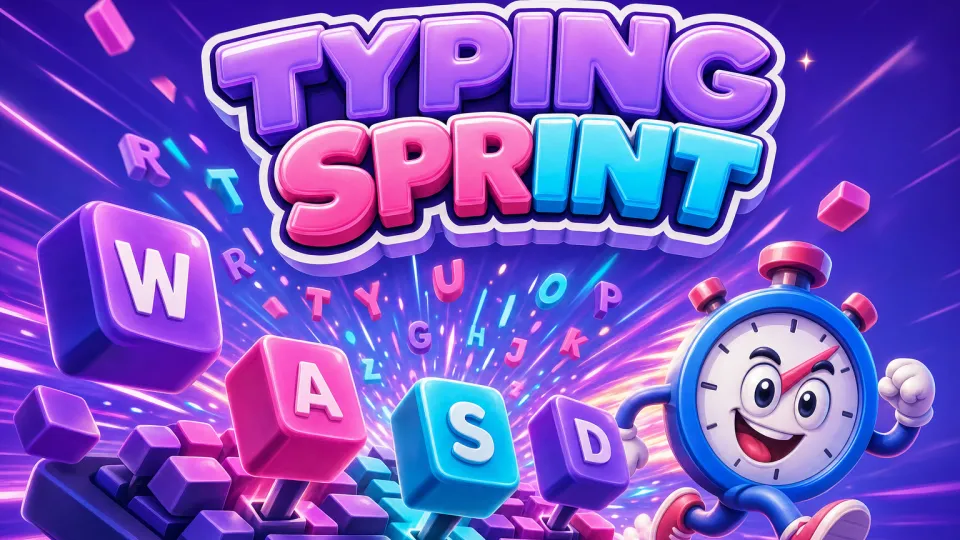


Typing Sprint
- Developer
- Quokka Labs
- Genre
- Word game
- Released
- September 2026
- Play time
- 15–30 sec
- Controls
- Keyboard
- Platform
- Browser (desktop, mobile, tablet)
Take a 15- or 30-second typing challenge and see your WPM, accuracy, and errors. Original practice prompts; no account required.
How to play
Choose a 15- or 30-second sprint. Type the original prompt as accurately as you can before the timer ends. Paste is disabled so the result measures typing.
Controls
Use your keyboard to type the prompt. Select Start Sprint to begin and Reset to try again.
Tips and strategy
- The clock starts as soon as you select Start Sprint, so have your hands on the keys before you click.
- Characters are checked by position, so a skipped or extra letter throws off everything after it; backspace to fix it right away.
- Fixing typos raises accuracy and net WPM, because stats are calculated from what is in the box, not from every key you pressed.
- Finishing the whole prompt ends the sprint early, and speed is measured over the time you actually used.
Typing Sprint FAQ
What is the difference between gross WPM and net WPM in Typing Sprint?
Gross WPM counts every character you typed, divided by five, per minute. Net WPM counts only characters that match the prompt, so errors lower it.
How are errors counted in Typing Sprint?
Each character is compared with the prompt at the same position. Any character that does not match counts as an error, and accuracy is the share of typed characters that match.
Can I paste text into Typing Sprint?
No. Paste is blocked so the result reflects your actual typing, and a notice appears if you try.
Does Typing Sprint save my scores?
No. Results are calculated in your browser for the current sprint and are not stored. Select Reset to get a new prompt and try again.
Privacy and saves
Your prompt and typed text stay in the current page session. No account or text upload is used.
A Quokka Labs original browser game · Free to play · No download